Layer-based editing
Combine graphics, video, and audio across multiple layers for compositing and motion design.
Install Alight Motion correctly on iPhone or iPad, understand App Store availability, import project packages, manage storage, and fix common iOS issues.
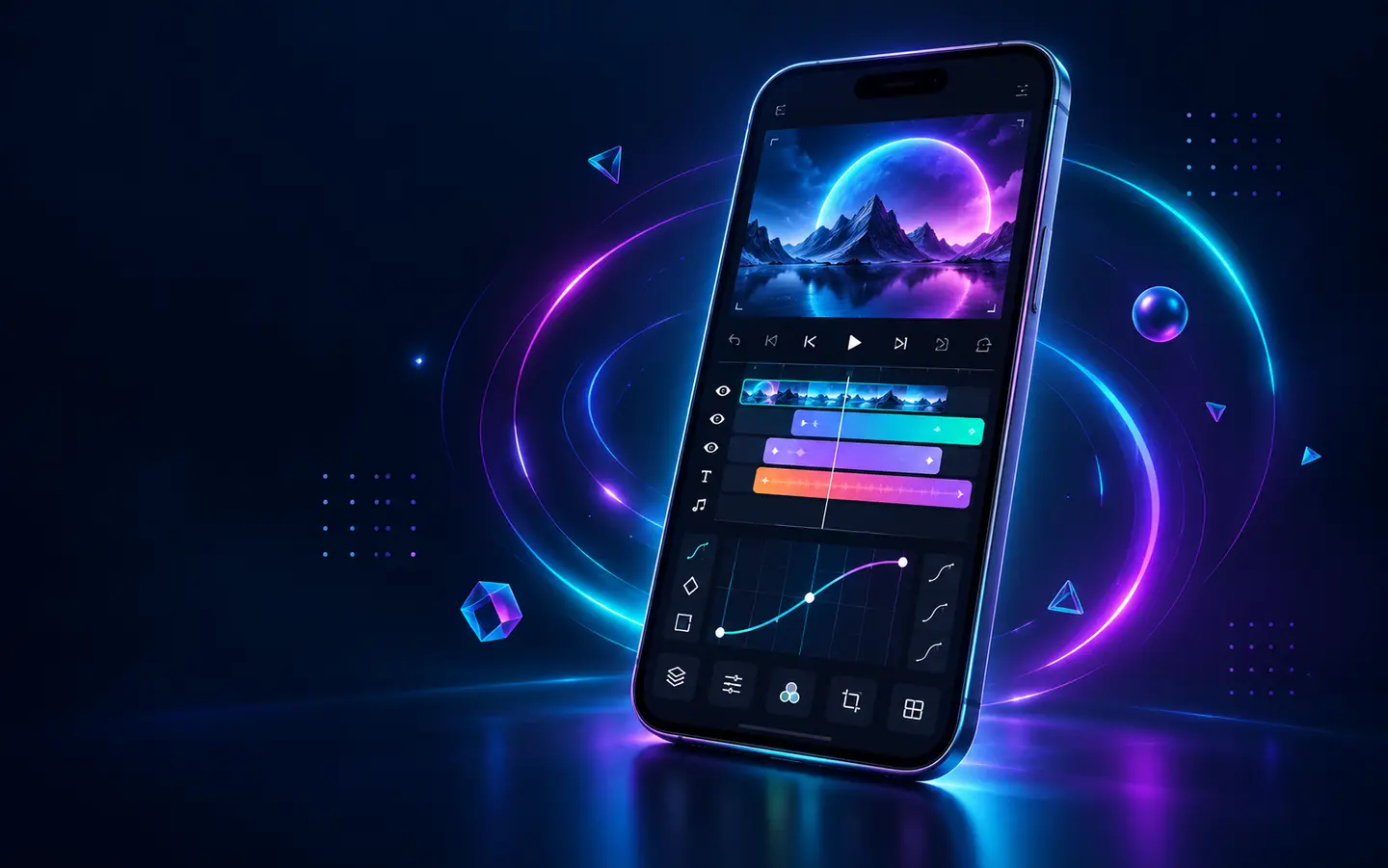
APK is an Android package format and cannot be installed on an iPhone or iPad. For iOS, use the official App Store listing published by Alight Creative, Inc. This keeps installation, subscription management, updates, and device compatibility inside Apple’s normal system.
Pages offering an “iOS APK” are using incorrect terminology. A configuration profile, certificate, or sideloaded package is not the same as an Android APK and may stop working when a certificate is revoked.
Search for Alight Motion and confirm the developer shown on the listing is Alight Creative, Inc.
The App Store displays the current iOS/iPadOS requirement for your device. Check it before making space or changing settings.
Use Get or the cloud-download icon. Any membership purchase is managed through the Apple ID used for the transaction.
Choose the photos and media access needed for your workflow. You can revise permissions later in iOS Settings.
Before importing a complex package, export a short test at 1080p to confirm storage and permissions are working.
The App Store description lists a broad motion-design toolset for iPhone and iPad.
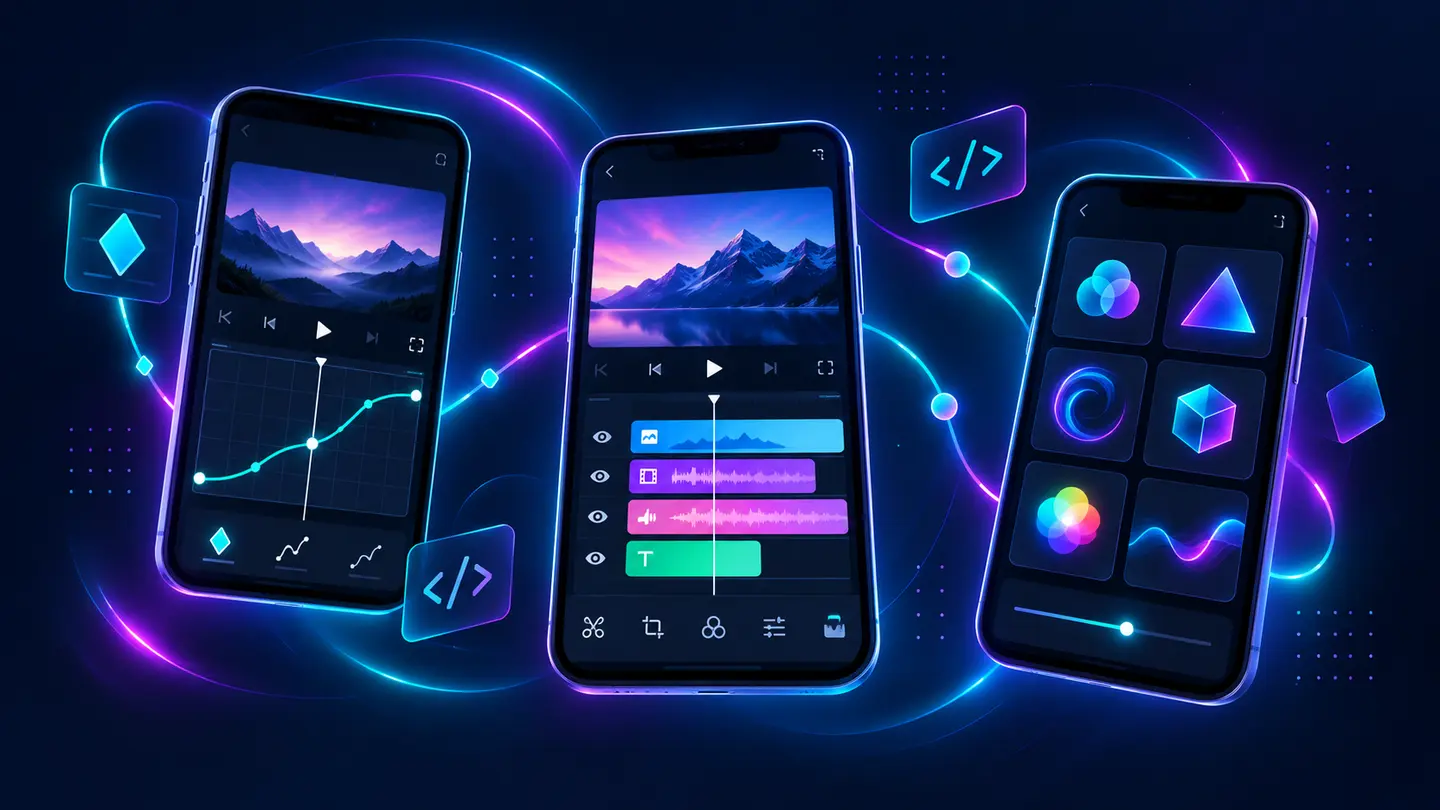
Combine graphics, video, and audio across multiple layers for compositing and motion design.
Animate settings over time and refine movement with presets or custom timing curves.
Export MP4 video, GIF animation, PNG sequences, or still images according to the project.
Work with scalable shapes alongside photographs and other raster assets.
Build depth, camera movement, focus effects, and linked layer motion.
Use custom fonts, copy layer styles, and save favorite elements for future projects.
Project packages are the preferred way to share a structured project. Open the package link in Safari, allow it to hand off to Alight Motion, and confirm the import inside the app. If the link repeatedly opens the App Store instead, copy it into Safari, confirm Alight Motion is updated, and retry after restarting the device.
Keep an untouched copy of important packages. Imported projects may depend on fonts, media, or effects that are unavailable on the new device, so compare the timeline before replacing an older working copy.
| Issue | Check first | Recommended action |
|---|---|---|
| Photos do not appear | Photos permission and Demo Mode | Allow access in Settings and confirm compatible media exists |
| Project link opens App Store | App version and browser handoff | Update the app, use Safari, and retry the project-package link |
| Export crashes | Available storage and memory | Restart, close other apps, and lower export settings |
| Subscription not recognized | Apple ID used for purchase | Use Apple’s restore-purchase flow and official support |
| App will not open | iOS and app updates | Update both; avoid uninstalling until projects are backed up |
Core product facts on this page were checked against the following official or developer-controlled sources. Availability and requirements can change after publication.
Understand reusable effects and safer sharing workflows.
Read page →Build smooth movement with timing and easing.
Read page →A device-first troubleshooting checklist.
Read page →