Alight Motion vs CapCut
Motion-design depth versus fast social editing, templates, automated captions, and official desktop access.
Read page →Balanced comparisons that explain what each editor is designed to do, where it performs well, and which creator will benefit most.
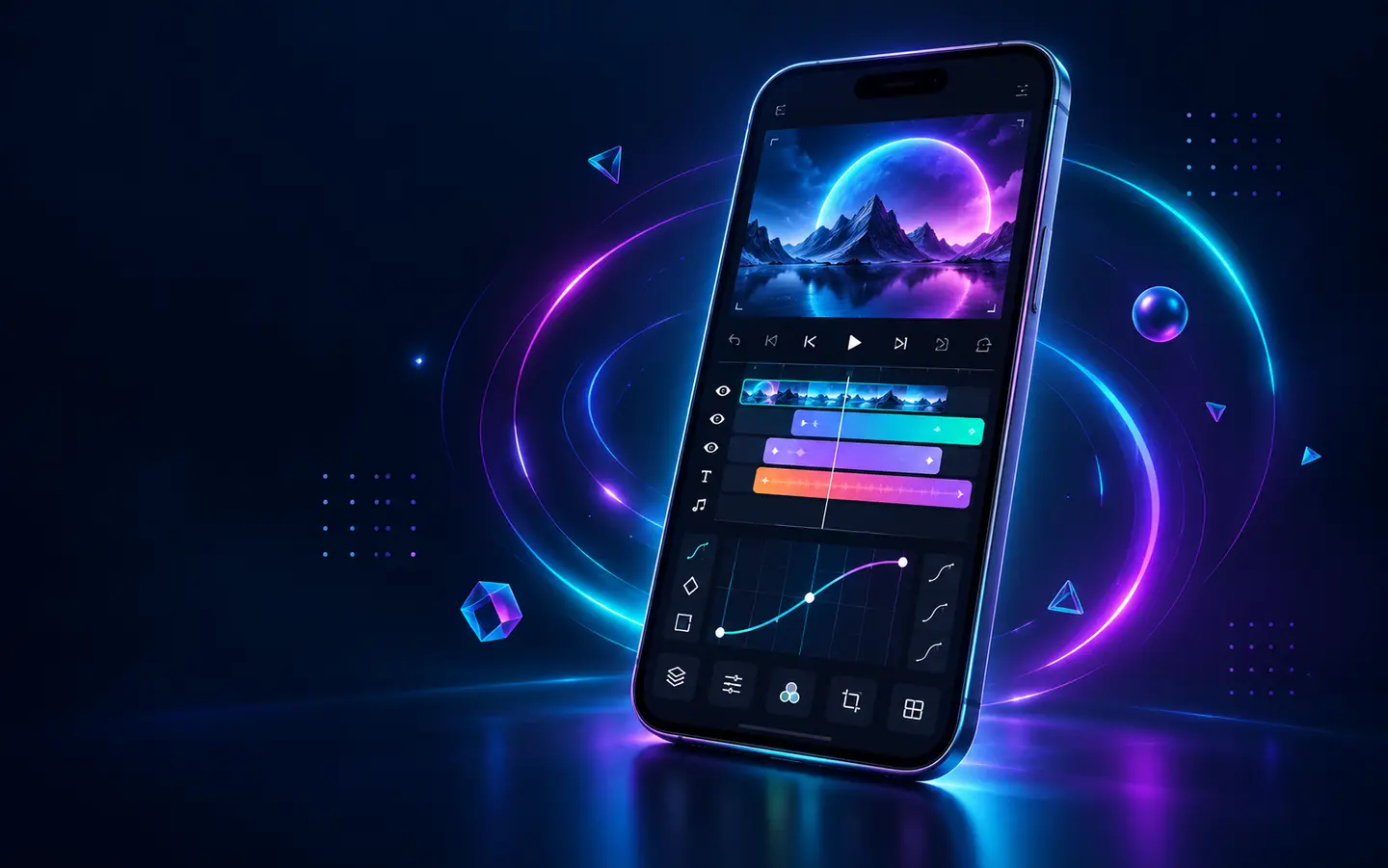
These pages compare product identity, timeline workflow, keyframes, effects, platforms, performance, learning curve, and the type of creator each tool serves.
Motion-design depth versus fast social editing, templates, automated captions, and official desktop access.
Read page →Purpose-built motion graphics versus a conventional multi-layer mobile video-editing workflow.
Read page →Is the product built primarily around motion design, clip assembly, templates, or a desktop production pipeline?
We examine layers, keyframes, curves, masking, cameras, vectors, color, audio, speed, captions, and export options.
Platforms, device demands, learning curve, project length, and publishing speed shape the final recommendation.
| Your priority | Start by reading | Reason |
|---|---|---|
| Custom mobile motion graphics | Alight Motion guides | Vectors, keyframes, curves, cameras, and compositing are central |
| Fast Reels and captions | Alight Motion vs CapCut | CapCut emphasizes rapid social workflows and automation |
| Green-screen video assembly | Alight Motion vs KineMaster | KineMaster provides a direct clip and chroma-key workflow |
| Use more than one editor | Both comparisons | Rendered clips can move between specialized workflows |