Choose Alight Motion
For animated typography, vector graphics, logo reveals, custom motion effects, cameras, and design-led compositions.
Compare Alight Motion and KineMaster for keyframes, multi-layer timelines, chroma key, color grading, motion graphics, speed controls, and mobile production.
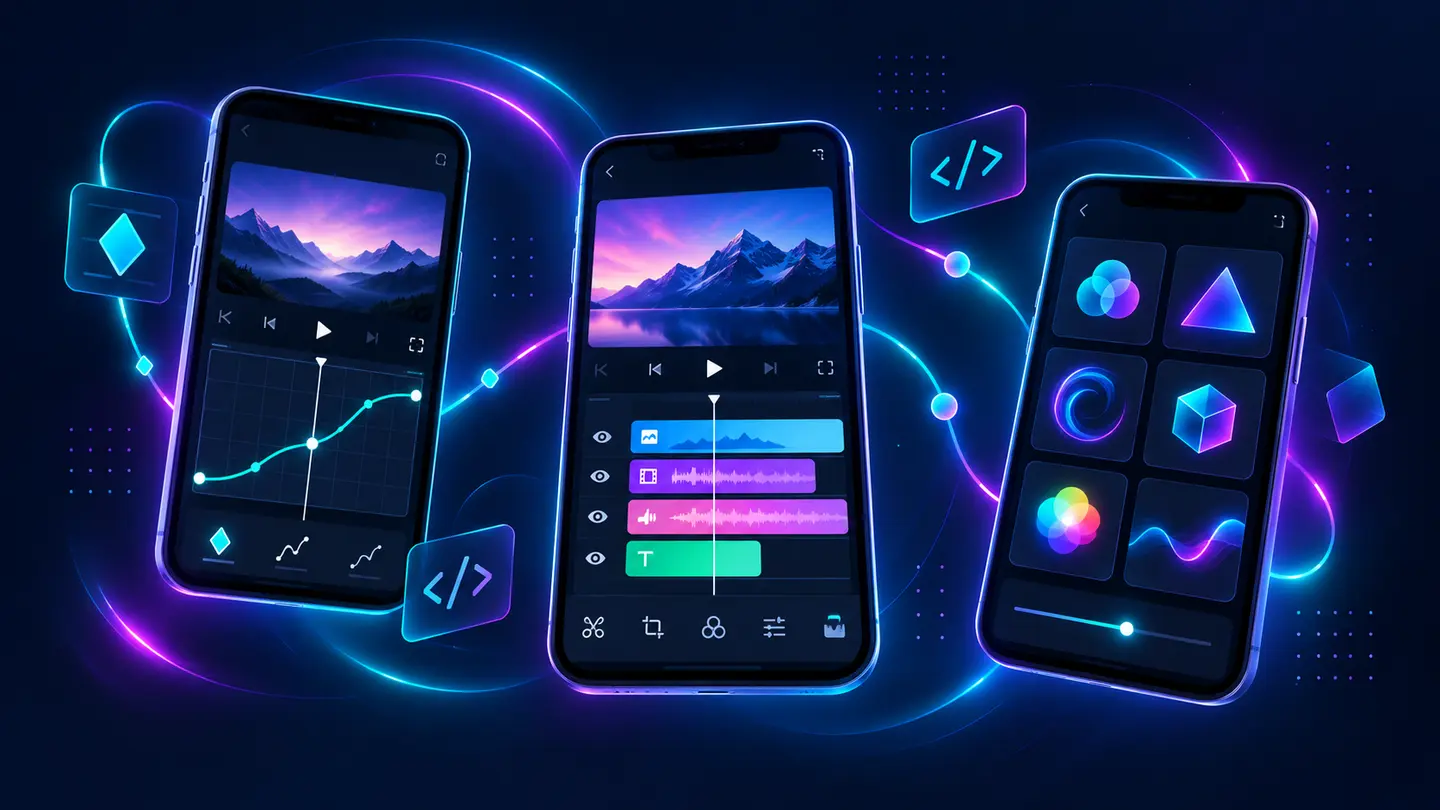
Alight Motion is more naturally suited to animated graphics, vector shapes, custom curves, camera movement, and design-heavy compositions. KineMaster is more naturally suited to assembling footage on a multi-layer timeline with color grading, speed control, chroma key, and familiar video-editing tools.
Both can animate layer properties with keyframes. The deciding question is whether the project begins with a motion design or with recorded footage.
| Category | Alight Motion | KineMaster | Best fit |
|---|---|---|---|
| Core workflow | Motion design and compositing | Multi-layer mobile video editing | Depends on project |
| Keyframes | Deep integration across settings | Position, scale, rotation, opacity, effects, and more | Both are capable |
| Vector drawing | Important native strength | Not the central workflow | Alight Motion |
| Chroma key | Available within compositing workflow | Dedicated green-screen controls and edge adjustment | KineMaster for direct video keying |
| Color grading | Effects and color adjustment | Prominent mobile grading tools | KineMaster for video-first grading |
| Cameras and layer parenting | Strong motion-design tools | Different layer animation approach | Alight Motion |
| Speed control | Available editing/effect workflow | Officially highlights 0.1× to 16× speed control | KineMaster |
| Best for | Animated titles, logos, fan edits, motion graphics | YouTube, interviews, green screen, multi-clip edits | Use-case based |
Alight Motion makes animation logic part of the whole product: settings can be keyframed, timing curves refined, cameras moved, and layers linked. This is valuable when the movement itself is the project.
KineMaster’s official documentation describes keyframing position, scale, rotation, opacity, filters, adjustments, corner pin, speed controls, and other properties. It is powerful, but presented inside a video timeline built around clips and layered media.
KineMaster provides an explicit chroma-key workflow with a color picker, foreground/background threshold controls, and edge refinement. For a presenter recorded against an evenly lit green screen, that direct workflow is easy to understand.
Alight Motion combines masking, blending, effects, layers, cameras, and animation in a broader compositing environment. It is stronger when the keyed subject becomes one element inside a heavily animated design.
For animated typography, vector graphics, logo reveals, custom motion effects, cameras, and design-led compositions.
For multi-clip editing, green-screen videos, mobile color work, speed changes, interviews, and traditional video assembly.
Create the animated title in Alight Motion, render it at suitable quality, then assemble the full video in KineMaster.
Alight Motion wins for purpose-built mobile motion design. KineMaster wins for a conventional mobile video-editing workflow with strong layering and green-screen tools. Both demand a capable phone when projects become long, high-resolution, or effect-heavy.
Select the editor that matches the centre of the job, not the one with the longest feature list.
Core product facts on this page were checked against the following official or developer-controlled sources. Availability and requirements can change after publication.
Compare motion design with rapid social editing.
Read page →Learn timing, spacing, and easing fundamentals.
Read page →Use reusable effects without losing control.
Read page →