How to Use Keyframes in Alight Motion
Understand keyframe values, interpolation, easing, smooth timing, camera movement, and practical animation exercises.
Read page →Focused tutorials that explain why a technique works, how to reproduce it, and what to check when the result goes wrong.
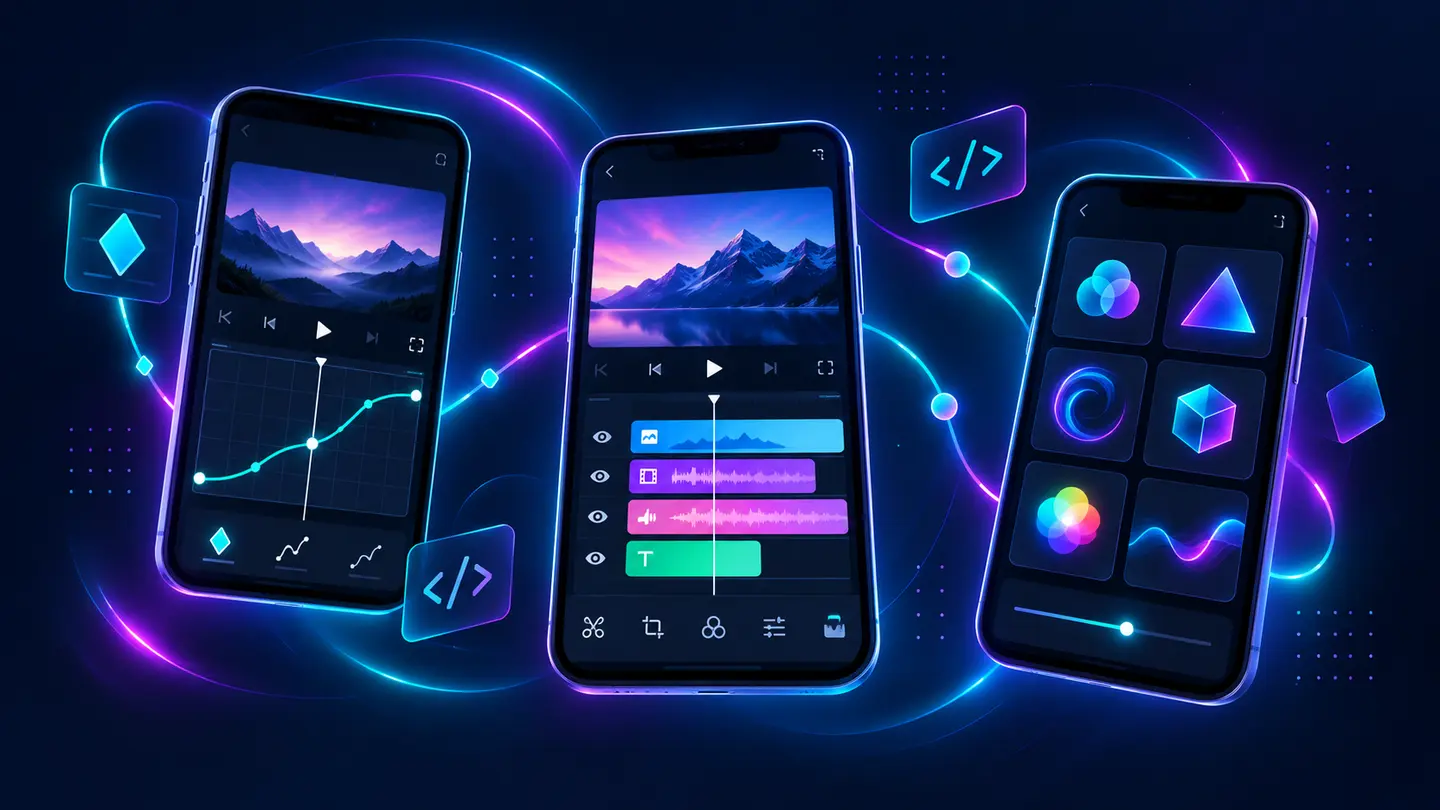
The first two articles cover the most valuable foundation and one of the most common technical problems. New guides can be added through the same reusable article system.
Understand keyframe values, interpolation, easing, smooth timing, camera movement, and practical animation exercises.
Read page →Diagnose stuck exports, crashes, 1285 RAM errors, codec failures, missing media, and quality problems in the right order.
Read page →Decide the aspect ratio, frame rate, duration, and hierarchy before adding complex motion.
Control when a property changes and how the motion accelerates between values.
Save tested text, shape, transition, and color treatments instead of importing everything blindly.
Organize media, reduce unnecessary layers, test a short range, and only then raise final quality.
Learn how reusable effects depend on timing, fonts, layers, and project settings.
Read page →Plan a larger-screen workflow with realistic emulator requirements.
Read page →Choose an editor by workflow instead of feature-count marketing.
Read page →