Smooth shake
Position, rotation, scale, motion blur, and easing combined for controlled camera energy.
Learn how Alight Motion presets, reusable elements, XML workflows, and project packages differ, plus how to import, organize, test, and troubleshoot them.
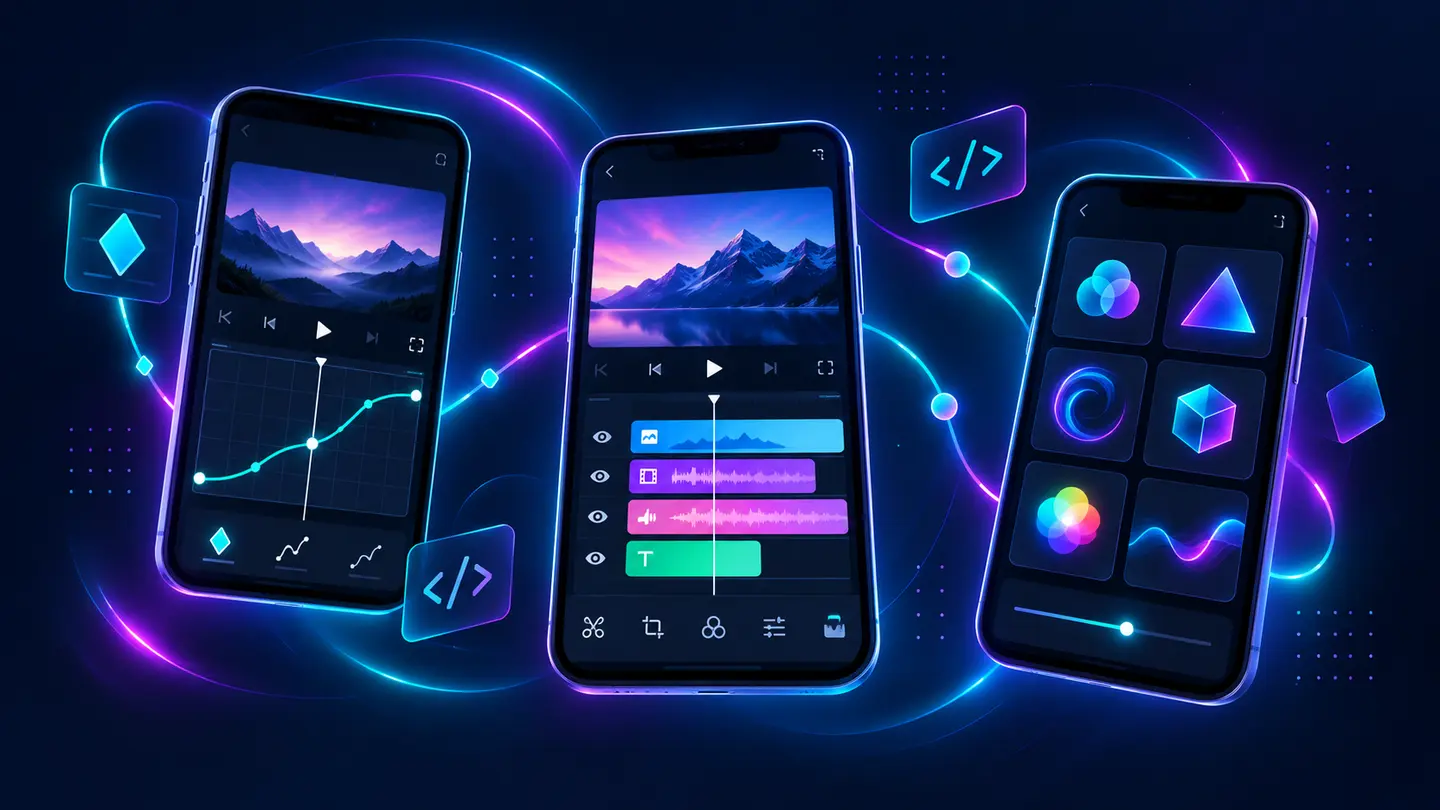
A preset is a reusable combination of animation values, effects, timing, typography, color, or layer styling. It can shorten repetitive work, but it is not a one-click guarantee. Clip duration, project frame rate, aspect ratio, fonts, and layer order all affect the result.
The official app also supports reusable favorite elements and project packages. Community editors often use “XML preset” as a broad label, even though a full project package and a small effect setup serve different purposes.
Position, rotation, scale, motion blur, and easing combined for controlled camera energy.
Speed changes matched with keyframed movement, transitions, and beat timing.
Reusable text entrance, exit, tracking, stroke, shadow, and color treatments.
Effect stacks for exposure, contrast, tint, glow, and stylized grading.
Layer movement, blur, masks, and easing built around a specific clip boundary.
Vector-safe reveals, scale, rotation, stroke, and camera movement for identity assets.
| Method | Best for | What may be included | Main caution |
|---|---|---|---|
| Project package | Sharing a structured project | Layers, timing, effects, and project settings | Media or fonts may still need checking |
| XML workflow | Community preset exchange | Serialized effect or project values | Compatibility varies by app version and source |
| Saved favorite element | Your own repeatable design system | A reusable layer or styled element | Usually tied to the local app library |
| Manual recreation | Learning and maximum control | Only the settings you rebuild | Takes longer but reduces hidden dependencies |
Experiment in a copy so a preset cannot disrupt the only working timeline.
A vertical 1080×1920 preset behaves differently in a horizontal or lower-frame-rate project.
Prefer a transparent creator page or project-package link over shortened links and bundled installers.
Confirm fonts, blend modes, effect availability, timing, and media dependencies before using the result.
Move keyframes or adjust curves to fit your own clip rather than stretching the entire composition blindly.
| Symptom | Likely reason | Fix |
|---|---|---|
| Animation ends too early | Different clip duration or frame rate | Reposition keyframes and retime the effect |
| Text is misaligned | Missing font or different text dimensions | Install a permitted font or restyle the text |
| Effect is missing | Preset uses a premium or newer effect | Replace it or open with a compatible official version |
| Black or blank layer | Missing source media or unsupported blend setup | Relink media and inspect layer order |
| Package opens the store | Browser handoff issue on iOS | Use Safari, update the app, and retry the official package flow |
Core product facts on this page were checked against the following official or developer-controlled sources. Availability and requirements can change after publication.
Understand the timing system behind strong presets.
Read page →Review compatibility before switching builds.
Read page →Fix project-package handoff on iPhone and iPad.
Read page →